Smart Home Automation Ideas for Small Apartments Setup
If you live in a small apartment, space is limited—but that doesn’t mean you can’t enjoy the convenience and efficiency of a smart home. Exploring smart home automation small apartments reveals important insights. With thoughtful planning and the right devices, even compact spaces can benefit from automation that saves time, energy, and effort. This guide walks through practical smart home automation ideas for small apartments setup, from lighting and climate control to security and voice assistants—all designed to maximize functionality without cluttering your space.
Why Smart Home Automation Works in Small Spaces
Small apartments often face challenges like limited outlets, shared walls, and minimal storage. Smart home automation helps overcome these by reducing physical clutter, improving energy efficiency, and enabling remote control of essential systems. Instead of multiple remotes, switches, and standalone devices, a centralized smart system streamlines operations through apps or voice commands. For renters, many solutions are non-invasive and easy to install—making them ideal for temporary or leased spaces.
Essential Smart Devices for Compact Living
Not every smart gadget is worth the investment. Focus on devices that deliver high impact with minimal footprint. Here are the most effective options for small apartments:
- Smart Plugs: Turn ordinary appliances into smart devices. Use them with lamps, fans, or coffee makers to schedule on/off times or control them remotely.
- Smart Bulbs: Replace standard bulbs with Wi-Fi-enabled versions that allow dimming, color changes, and scheduling. Brands like Philips Hue and LIFX offer reliable performance.
- Smart Thermostats: Devices like the Nest Thermostat or Ecobee learn your habits and adjust temperatures automatically, saving energy in heating and cooling.
- Voice Assistants: Amazon Echo or Google Nest Hub serve as central control hubs for other devices and provide hands-free access to music, weather, and routines.
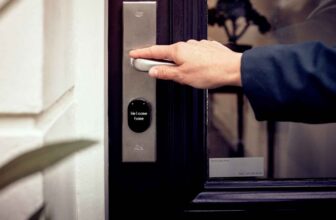
- Smart Locks: Keyless entry systems enhance security and allow temporary access codes for guests or delivery personnel.
- Motion Sensors: Automate lighting or alerts when movement is detected—ideal for hallways, closets, or entryways.
Maximizing Space with Smart Lighting
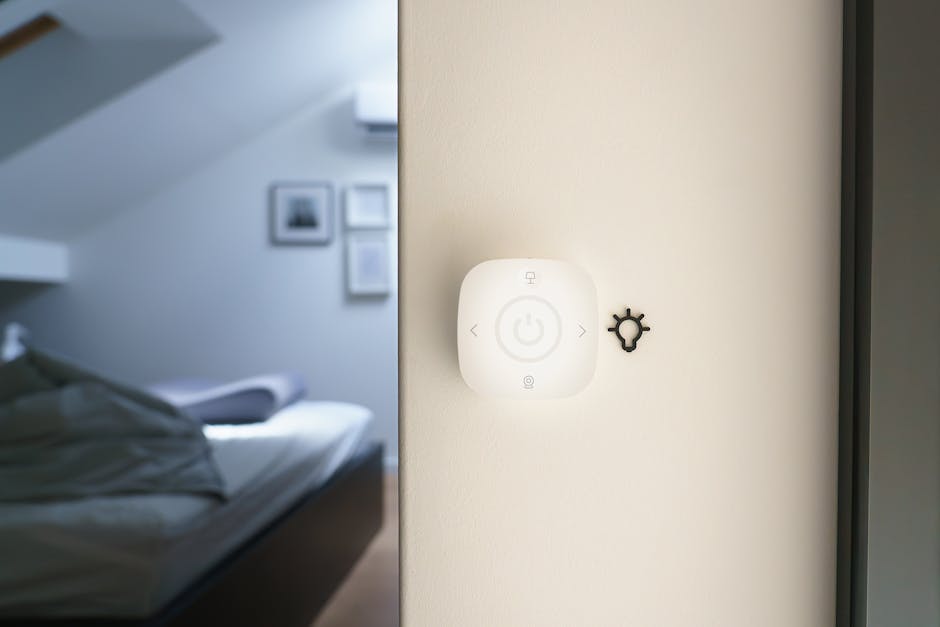
Lighting plays a crucial role in how spacious a room feels. smart lighting systems allow you to adjust brightness and color temperature throughout the day, creating the illusion of more space and improving mood. For example, cooler white light can make a room feel larger and more open, while warm tones create coziness in the evening.
Install smart bulbs in key areas: overhead fixtures, under-cabinet kitchen lighting, and bedside lamps. Use scheduling to simulate occupancy when you’re away, enhancing security. Group lights into zones using a smart hub so you can control multiple fixtures with one command. Avoid overloading circuits—check wattage compatibility before installing multiple high-lumen bulbs.
Climate Control Without the Clutter
Heating and cooling account for a large portion of energy use in small apartments. A smart thermostat helps maintain comfort while reducing waste. These devices connect to Wi-Fi, learn your schedule, and adjust temperatures based on occupancy and weather.
For window AC units or portable heaters, consider smart plugs with scheduling features. Set your AC to turn on 30 minutes before you arrive home, ensuring comfort without running it all day. Some models even integrate with weather apps to anticipate temperature changes.
Note: Not all thermostats are compatible with older HVAC systems. Check compatibility before purchasing. Renters should opt for non-permanent models like the Google Nest Thermostat E, which doesn’t require a C-wire in many cases.
Security and Peace of Mind
Even in secure buildings, personal safety matters. Smart security devices offer monitoring without bulky installations. Start with a smart doorbell like Ring or Google Nest Doorbell, which provides video feed, motion alerts, and two-way audio. These are typically easy to install with adhesive mounts or minimal drilling.
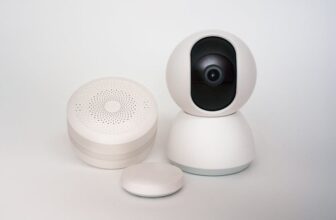
Add indoor security cameras in common areas—avoid bedrooms or bathrooms for privacy. Choose models with local storage or encrypted cloud options. Motion-activated lights at entry points deter intruders and improve nighttime visibility.
For added protection, use smart door and window sensors that alert you if opened unexpectedly. These are especially useful for ground-floor units or apartments with accessible balconies.
Voice Control and Centralized Management
A voice assistant acts as the brain of your smart home. By integrating devices through platforms like Amazon Alexa, Google Assistant, or Apple HomeKit, you can create routines that trigger multiple actions with one command.
Example: Say “Goodnight” and the system turns off all lights, locks the door, lowers the thermostat, and arms the security sensors. Morning routines can gradually brighten lights, start the coffee maker, and read the day’s forecast.
Use a single app to manage all devices when possible. Many brands now support cross-platform integration, but consistency reduces complexity. Avoid mixing too many ecosystems unless necessary.
Smart Storage and Space-Saving Solutions
Clutter undermines the benefits of automation. Use smart organization tools to keep devices and cables tidy. Magnetic cable organizers, under-desk mounts for hubs, and labeled power strips help maintain a clean setup.
Consider smart furniture with built-in charging ports or wireless charging pads. Some coffee tables and nightstands now include USB ports and Bluetooth speakers, reducing the need for extra gadgets.
For media, stream content directly to a smart TV or use a compact streaming device like Roku or Apple TV. Avoid bulky receivers or multiple remotes by using universal remotes or voice commands.
Energy Efficiency and Cost Savings
Smart home automation isn’t just convenient—it’s cost-effective. Exploring smart home automation small apartments reveals important insights. By automating lighting, heating, and appliance use, you can reduce utility bills significantly. According to the U.S. Department of Energy, smart thermostats can save up to 10% a year on heating and cooling.
Use energy monitoring smart plugs to track power consumption of high-use devices like refrigerators or space heaters. Set alerts for unusual usage that might indicate malfunctions.
Schedule devices to run during off-peak hours if your utility offers time-of-use pricing. For example, run the dishwasher or charge an e-bike overnight when electricity rates are lower.
Privacy and Security Considerations
With more devices connected to the internet, security risks increase. Protect your network by changing default passwords, enabling two-factor authentication, and keeping firmware updated.
Use a guest network for smart devices to isolate them from personal computers and phones. Disable microphone or camera access when not in use, especially on voice assistants and security cameras.
Read privacy policies before purchasing. Some companies collect usage data for advertising. Opt for brands with transparent data practices and local processing options when available.
Step-by-Step Setup Guide
Getting started doesn’t require a full renovation. Follow these steps to build a functional smart home in your small apartment:
- Assess Your Needs: Identify daily pain points—lights left on, uncomfortable temperatures, or forgotten locks.
- Choose a Platform: Decide on Alexa, Google, or Apple as your primary ecosystem for compatibility.
- Start Small: Begin with one or two devices, like smart bulbs and a voice assistant.
- Expand Gradually: Add devices based on usage and budget. Prioritize high-impact items like thermostats or security.
- Create Routines: Use the app to automate common tasks, such as turning on lights at sunset.
- Test and Adjust: Monitor performance and tweak schedules or settings as needed.
Budget-Friendly Tips
You don’t need to spend thousands to automate your apartment. Many effective devices cost under $50. Look for sales during Black Friday or Prime Day. Refurbished models from reputable sellers offer savings without sacrificing quality.
Use multi-pack deals for smart bulbs or plugs. Share costs with roommates if applicable. Avoid premium brands unless specific features are necessary—many generic brands now offer reliable performance.
Prioritize devices with long lifespans and strong customer support. A $30 smart plug that lasts five years is better than a $20 one that fails in six months.
Common Mistakes to Avoid
Even experienced users make errors. Watch out for these pitfalls:
- Over-Automating: Not every action needs a smart trigger. Keep routines simple and useful.
- Ignoring Compatibility: Mixing incompatible devices leads to frustration. Check app support before buying.
- Poor Wi-Fi Coverage: Weak signals cause devices to disconnect. Use a mesh network or Wi-Fi extender if needed.
- Skipping Manual Controls: Ensure lights and locks have physical backups in case of app or power failure.
- Neglecting Updates: Outdated firmware can cause security flaws or malfunctions. Enable automatic updates when possible.
Future-Proofing Your Setup
Technology evolves quickly. Choose devices that support Matter, a new smart home standard that ensures cross-brand compatibility. This reduces the risk of obsolescence as new products emerge.
Invest in a reliable hub if using Zigbee or Z-Wave devices. These protocols offer better range and battery life than Wi-Fi for sensors and switches.
Keep documentation and receipts for all devices. This helps with troubleshooting, returns, or moving setups to a new apartment.
Final Thoughts
Smart home automation ideas for small apartments setup don’t require major renovations or large budgets. By focusing on essential devices, energy efficiency, and ease of use, you can create a comfortable, secure, and modern living space. Start with lighting and climate control, add security features, and build routines that fit your lifestyle. With careful planning, even the smallest apartment can feel high-tech and effortlessly managed.
FAQ
Can I install smart home devices in a rental apartment?
Yes, many smart devices are renter-friendly. Use adhesive mounts, smart plugs, and battery-powered sensors to avoid permanent changes. Always check with your landlord before making modifications.
Do I need a hub for smart home automation?
It depends on the devices. Wi-Fi-based gadgets like smart bulbs and plugs work directly with your router. However, hubs are useful for Zigbee or Z-Wave devices, offering better range and reliability.
Will smart home devices increase my electricity bill?
Most smart devices use minimal power. In fact, automation often reduces energy consumption by optimizing lighting, heating, and appliance use. The long-term savings typically outweigh the small increase in standby power.