Smart Home Gadgets for Smart Door Lock Security Setup
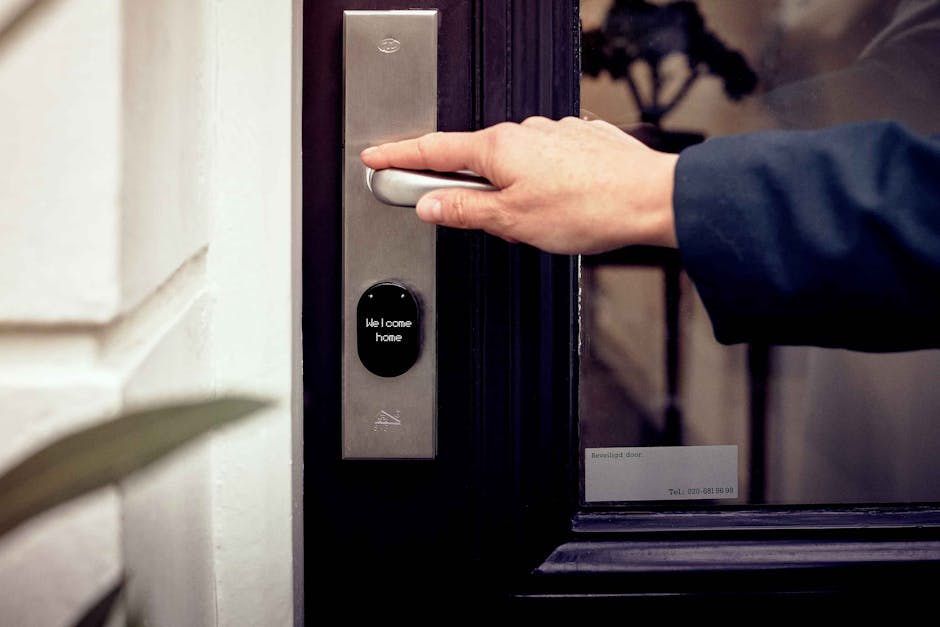
Upgrading to a smart door lock is a smart move—but it’s only the first step. To truly enhance your home’s security, pair your smart lock with compatible smart home gadgets that add layers of protection, convenience, and awareness. From cameras that alert you to motion at your front door to sensors that detect forced entry, the right ecosystem turns a simple lock into a comprehensive security system. This guide covers the essential smart home gadgets that work seamlessly with smart door locks, helping you build a setup that’s both practical and secure.
Why Combine Smart Door Locks with Other Gadgets?
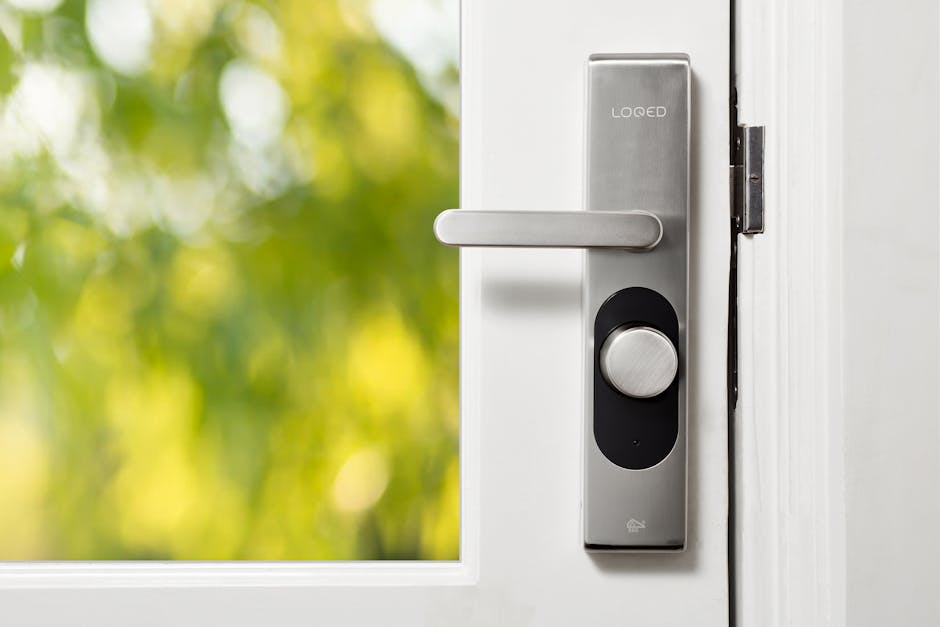
A smart door lock alone offers keyless entry, remote access, and access logs. But without additional devices, you’re missing critical visibility and response capabilities. Integrating complementary gadgets ensures you’re not just locking your door—you’re monitoring, verifying, and responding to activity in real time.
For example, a smart lock might let you grant temporary access to a guest, but without a camera, you won’t know if someone else used that code. Adding sensors and alerts closes those gaps, turning passive security into an active defense system.
Essential Smart Home Gadgets to Pair with Your Smart Door Lock
The best smart door lock security setup includes a mix of monitoring, detection, and automation tools. These gadgets work together to create a layered defense that responds to both routine use and potential threats.
Smart Doorbell Cameras
A video doorbell is one of the most valuable additions to a smart lock setup. It lets you see and speak to visitors remotely, whether you’re at work or on vacation. Models like the Ring Video Doorbell Pro or Google Nest Doorbell offer HD video, two-way audio, and motion alerts.
When someone approaches your door, the camera sends a notification to your phone. If they ring the bell or trigger motion detection, you can view the live feed and unlock the door if needed. This is especially useful for deliveries or unexpected guests.
Outdoor Security Cameras
While a doorbell camera covers the immediate entry point, outdoor security cameras monitor the broader perimeter. Place them near driveways, side gates, or backyard entrances to detect movement beyond the front door.
Cameras like the Arlo Pro 5S or Eufy SoloCam S340 offer night vision, weather resistance, and local storage options. Some models integrate directly with smart locks, allowing you to trigger recordings when the lock is used or when motion is detected near the door.
Door and Window Sensors
These small, battery-powered devices alert you when a door or window is opened. When paired with a smart lock, they provide a second layer of verification—especially useful if someone tries to bypass the lock or enter through another opening.
For instance, if your smart lock logs an entry at 2 a.m. but no one was expected, a door sensor can confirm whether the door was actually opened. Brands like Samsung SmartThings and Aqara offer reliable, easy-to-install sensors that work with most smart home platforms.
Motion Sensors
Indoor motion sensors detect movement in key areas like hallways or near entry points. When integrated with your smart lock, they can trigger lights, cameras, or alarms when unexpected activity occurs.
Imagine coming home late: your smart lock unlocks as you approach, and motion sensors turn on interior lights automatically. Conversely, if motion is detected while the house is locked and empty, you’ll receive an alert—helping you respond quickly to potential intrusions.
Smart Hubs and Controllers
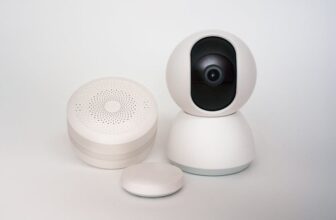
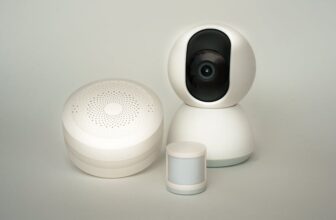
A central hub ties everything together. Devices like the Samsung SmartThings Hub or Hubitat Elevation allow your smart lock, cameras, sensors, and lights to communicate seamlessly.
Without a hub, you might need multiple apps to manage your devices. With one, you can create automated routines—like locking the door and turning off lights when you say “Goodnight” to your voice assistant.
How to Build a Cohesive Smart Door Lock Security System
Creating an effective setup isn’t just about buying gadgets—it’s about integration, placement, and automation. Follow these steps to build a system that’s both powerful and user-friendly.
Step 1: Choose a Compatible Smart Lock
Start with a lock that supports your preferred ecosystem. Popular options include August Wi-Fi Smart Lock, Schlage Encode, and Yale Assure Lock SL. Ensure it works with platforms like Apple HomeKit, Google Home, or Amazon Alexa.
Check for features like auto-lock, guest access codes, and tamper alerts. These basics lay the foundation for a secure and convenient experience.
Step 2: Select Complementary Devices
Once your lock is installed, add devices that enhance its functionality. Begin with a doorbell camera and door/window sensors—these provide immediate visibility and alerts.
Then expand with outdoor cameras and motion sensors based on your home’s layout and security needs. Prioritize devices that integrate with your lock’s platform to avoid app overload.
Step 3: Set Up Automations and Alerts
Use your smart home app to create rules that improve security and convenience. For example:
- When the front door is unlocked between 10 p.m. and 6 a.m., send a notification.
- If motion is detected near the door while the house is locked, start recording on the outdoor camera.
- When the door is locked, turn off indoor lights and arm the security system.
These automations reduce manual effort and ensure consistent responses to common scenarios.
Step 4: Test and Refine
After setup, test each device and automation. Try unlocking the door remotely, triggering motion alerts, and verifying that notifications arrive promptly.
If a sensor is too sensitive or a camera misses activity, adjust placement or settings. Regular testing ensures your system works when it matters most.
Important Considerations and Warnings
While smart home gadgets enhance security, they come with responsibilities. Here are key factors to keep in mind.
Privacy and Data Security
Smart devices collect data—video, audio, access logs—that must be protected. Choose brands with strong encryption, regular firmware updates, and clear privacy policies.
Avoid devices that store data on unsecured cloud servers or share information with third parties without consent. Enable two-factor authentication on your accounts to prevent unauthorized access.
Power and Connectivity
Most smart locks and sensors run on batteries. Check battery levels regularly and replace them before they fail. Some devices offer low-battery alerts, but it’s wise to check monthly.
Wi-Fi reliability is also critical. A weak signal can delay alerts or prevent remote access. Use a mesh Wi-Fi system if your home has dead zones near entry points.
False Alarms and Over-Alerting
Motion sensors and cameras can trigger false alerts from pets, passing cars, or wind-blown debris. Adjust sensitivity settings and use activity zones to focus on high-traffic areas.
Too many notifications can lead to alert fatigue—where you start ignoring them. Customize alerts so you only receive them for meaningful events.
Real-World Examples of Effective Setups
Here are two practical scenarios that show how smart gadgets enhance door lock security.
Example 1: The Working Parent
Sarah works late and has a smart lock with a doorbell camera. When her child comes home from school, the camera alerts her. She sees her child on the feed and remotely unlocks the door. Later, she checks the access log to confirm entry time.
If a delivery arrives while she’s away, she can speak to the courier and grant temporary access—without giving out a physical key.
Example 2: The Frequent Traveler
James travels often and uses a smart lock with outdoor cameras and door sensors. When he’s away, the system arms automatically when the last person leaves.
If motion is detected near the front door at night, the camera records and sends an alert. He can view the footage and contact authorities if needed. Upon return, he reviews all access logs to ensure no unauthorized entry occurred.
Top Brands and Devices to Consider
Not all smart home gadgets are created equal. These brands are known for reliability, integration, and security features.
Smart Locks
- August Wi-Fi Smart Lock: Easy retrofit, works with most deadbolts, strong app integration.
- Schlage Encode: Built-in Wi-Fi, no hub required, robust physical design.
- Yale Assure Lock SL: Sleek design, supports multiple access methods, excellent HomeKit compatibility.
Cameras and Doorbells
- Ring Video Doorbell Pro 2: 1536p HD video, color night vision, advanced motion zones.
- Google Nest Doorbell (Battery): Intelligent alerts, familiar face detection (with subscription), easy installation.
- Arlo Pro 5S: Wire-free, 2K video, color night vision, local storage option.
Sensors and Hubs
- Samsung SmartThings Hub: Broad device compatibility, user-friendly app, strong automation tools.
- Aqara Door/Window Sensor: Compact, long battery life, works with Apple Home and Alexa.
- Philips Hue Motion Sensor: Doubles as a light trigger, reliable detection, integrates with smart lighting.
Cost Considerations and Budget Tips
A full smart door lock security setup can range from $300 to over $1,000, depending on the number and quality of devices. You don’t need to buy everything at once.
Start with the smart lock and one camera. Add sensors and a hub over time. Look for bundle deals—many brands offer discounts when you buy multiple devices together.
Also consider long-term costs: battery replacements, cloud storage subscriptions, and potential repair fees. Choose devices with local storage options to avoid monthly fees.
Final Thoughts
A smart door lock is a great start, but it’s the combination with other smart home gadgets that delivers true peace of mind. By adding cameras, sensors, and automation, you create a responsive, intelligent security system that adapts to your lifestyle.
Focus on compatibility, ease of use, and real-world functionality. Avoid overcomplicating your setup—simple, reliable devices often perform better than complex ones with too many features.
With the right combination, your front door becomes not just an entry point, but a smart, secure gateway to your home.
FAQ
Can I use a smart door lock without a smartphone?
Most smart locks require a smartphone app for initial setup and remote access. However, many offer keypads, physical keys, or voice control as alternatives. Check the product specs to see what access methods are supported.
What happens if the power goes out?
Smart locks typically run on batteries and continue working during power outages. Most have backup power options and low-battery warnings. Mechanical keys are usually included as a fail-safe.
Are smart door locks hackable?
Like any connected device, smart locks can be vulnerable if not properly secured. Choose models with strong encryption, regular updates, and two-factor authentication. Avoid cheap, off-brand locks with poor security records.