Best Smart Home Devices for Apartments and Rentals
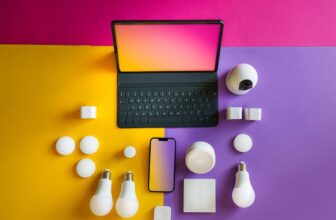
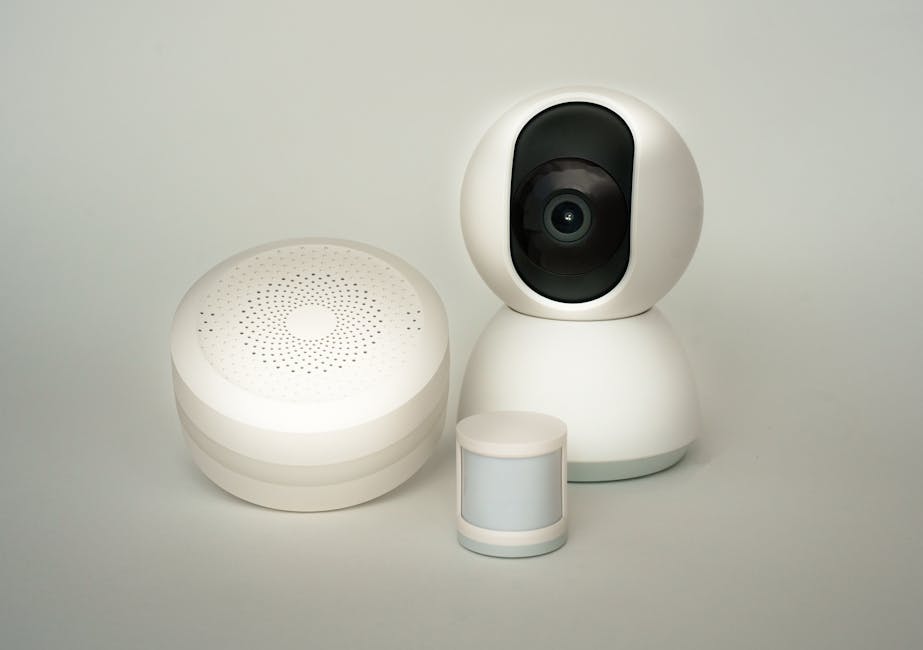
If you live in an apartment or rental, upgrading to a smart home doesn’t have to mean drilling holes, rewiring circuits, or risking your security deposit. The best smart home devices for apartments and rentals are wireless, easy to install, and fully reversible—letting you enjoy modern convenience without permanent changes. From smart lights to security cameras that don’t require mounting, these gadgets enhance comfort, safety, and energy efficiency while respecting lease restrictions.
Why Smart Home Tech Works in Rental Properties
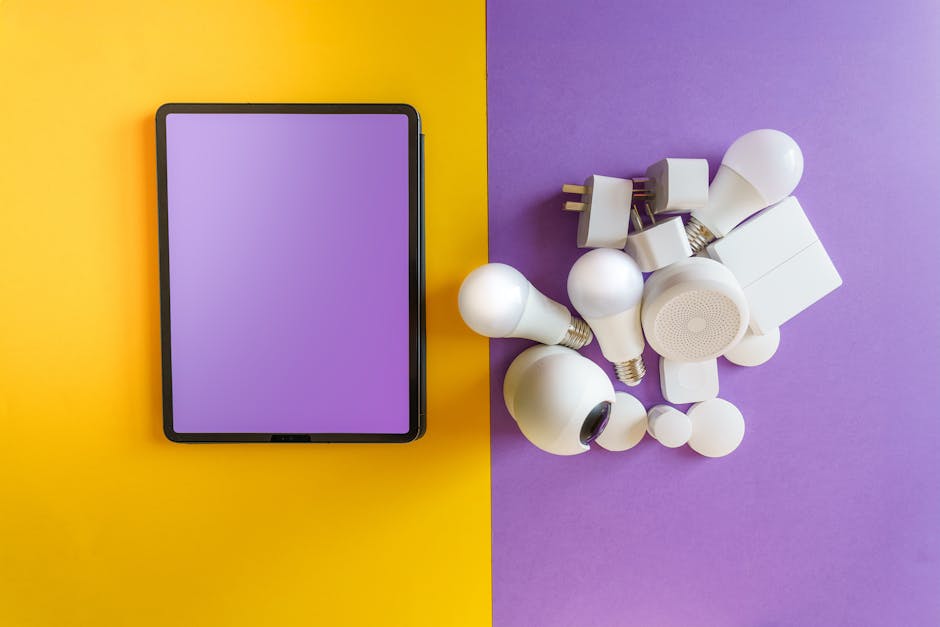
Many renters assume smart home upgrades are off-limits due to landlord rules or structural limitations. But today’s plug-and-play devices make it possible to automate lighting, monitor your space, and control climate—all without screws, adhesives, or electrical work.
These solutions are ideal for temporary living situations. Most can be removed in minutes and reinstalled elsewhere when you move. They’re also budget-friendly, with many options under $50.
Key Considerations Before Buying
Before shopping, check your lease agreement. Some landlords prohibit certain devices, especially those that connect to shared networks or alter building infrastructure.
Prioritize devices that use standard outlets, Wi-Fi, or Bluetooth. Avoid hardwired systems or anything requiring permanent mounting unless explicitly approved.
Also consider compatibility. If you already use Alexa, Google Assistant, or Apple HomeKit, choose devices that integrate seamlessly with your ecosystem.
Top Smart Home Devices for Renters
1. Smart Plugs and Outlets
Smart plugs are the easiest entry point into home automation. Simply plug them into existing outlets, then plug your lamp, coffee maker, or fan into the device. Control everything from your phone or voice assistant.
Popular models like the Kasa Smart Plug (KP125) and TP-Link Kasa Mini offer scheduling, energy monitoring, and remote access. They work with Alexa, Google Assistant, and Apple HomeKit.
Use them to turn lamps on at sunset, run a humidifier during dry winter months, or power down electronics when not in use. No wiring required—just plug in and connect via app.
2. Smart Light Bulbs
Swap standard bulbs for smart versions like Philips Hue White and Color Ambiance or LIFX Color. These screw into existing fixtures and offer millions of colors, brightness control, and scheduling.
Set routines so lights turn on gradually in the morning or dim at night. Use geofencing to have lights activate when you arrive home.
For renters, battery-powered smart switches like Lutron Caséta Wireless are a great alternative if you can’t replace bulbs. They mount over existing switches with adhesive and don’t require neutral wires.
3. Smart Thermostats (Renter-Friendly Options)
Traditional smart thermostats often require C-wire installation, which may not be feasible in rentals. However, portable options like the Google Nest Thermostat (with an optional C-wire adapter) or the ecobee SmartThermostat with Voice Control can work in many apartments.
Alternatively, consider smart radiator valves like Hive Radiator Valves or Netatmo Smart Thermostat. These attach to radiators and allow room-by-room temperature control without touching the central system.
Always consult your landlord before installing any thermostat. Some buildings prohibit modifications to HVAC systems.
4. Smart Security Cameras (No-Drill Options)
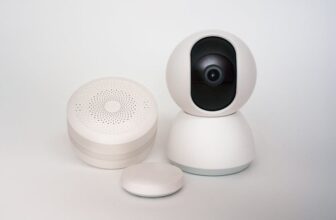
Renters can enhance security with indoor cameras that sit on shelves or desks. The Wyze Cam v3 and Google Nest Cam (Indoor, Wired) offer 1080p video, night vision, and motion alerts—all without mounting hardware.
For outdoor monitoring, consider window-mounted cameras like the Arlo Essential Wire-Free Camera. It uses a suction cup to attach to glass and runs on rechargeable batteries.
Note: Avoid placing cameras in private areas like bedrooms or bathrooms. Also, be mindful of local privacy laws and neighbor views.
5. Smart Door Locks and Entry Systems
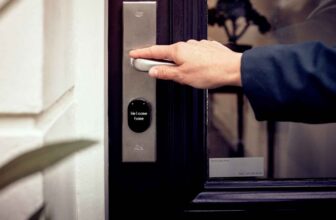
Replacing a deadbolt may violate your lease, but temporary smart locks offer a workaround. The August Smart Lock Pro fits over your existing deadbolt and allows keyless entry via app or voice.
It retains your original key, so you can re-lock manually if needed. The Ultraloq U-Bolt Pro offers similar functionality with fingerprint and code access.
For mail and package security, smart mailboxes like the Package Concierge or SmarterHome SmartBox send alerts when deliveries arrive. These sit outside your door and don’t require building modifications.
6. Smart Speakers and Displays
A smart speaker like the Amazon Echo (5th Gen) or Google Nest Hub (2nd Gen) serves as the brain of your smart apartment. Use it to control lights, play music, check the weather, or video call family.
Displays add visual benefits—view security camera feeds, calendars, or recipes hands-free. Place them in the kitchen or living room for maximum utility.
They’re completely portable and require only a power outlet. No setup beyond Wi-Fi and account linking.
7. Smart Air Purifiers and Humidifiers
Indoor air quality matters, especially in tightly sealed apartments. Smart purifiers like the Dyson Purifier Humidify+Cool Formaldehyde monitor air in real time and adjust settings automatically.
The LEVOIT Core 400S connects to an app, letting you track PM2.5 levels and control fan speed remotely. Pair it with a smart plug to schedule operation during off-peak hours.
Smart humidifiers such as the Homasy Smart Humidifier prevent dry air in winter without over-moisturizing. Set humidity targets and receive alerts when water is low.
8. Smart Blinds and Window Treatments
Motorized blinds can boost privacy and energy efficiency. The SwitchBot Blind Tilt attaches to existing blinds with adhesive and motorizes slat adjustment via app or voice.
For full window coverage, Lutron Serena Smart Shades offer cordless, battery-powered operation. They integrate with Alexa, Google, and Apple HomeKit.
These devices don’t alter window frames and can be removed cleanly. Ideal for renters who want light control without drilling.
How to Set Up Your Smart Apartment in 5 Steps
Step 1: Audit Your Space
Walk through your apartment and note areas where automation would help. Common pain points include: lights left on, inconsistent temperatures, lack of security monitoring, or difficulty controlling appliances.
Start with one or two devices—like smart plugs and bulbs—to test compatibility and usability.
Step 2: Choose a Central Platform
Decide whether you’ll use Amazon Alexa, Google Assistant, or Apple HomeKit. Most smart devices support at least one of these, but sticking to one ecosystem simplifies control.
Use a smart speaker or display as your hub. It allows voice commands and centralizes device management.
Step 3: Install and Configure Devices
Download the manufacturer’s app and follow setup instructions. Most devices connect via Wi-Fi in under five minutes.
Name each device clearly (e.g., “Living Room Lamp” or “Kitchen Plug”) to avoid confusion later.
Step 4: Create Automations and Routines
Use your platform’s app to build routines. For example: “Good Morning” turns on lights, starts the coffee maker, and reads the weather.
Set geofencing so lights turn off when you leave and back on when you return. Schedule devices to run during off-peak electricity hours to save energy.
Step 5: Test and Refine
Use your devices for a week. Note what works and what doesn’t. Adjust schedules, rename devices, or add new automations based on your routine.
If a device feels unnecessary, return it or repurpose it. Flexibility is key in rental living.
Privacy and Security Tips for Renters
Smart devices collect data, so protect your privacy. Change default passwords and enable two-factor authentication where available.
Regularly update firmware to patch security vulnerabilities. Disable features you don’t use, like microphones or cameras, when not needed.
Avoid connecting devices to public or shared Wi-Fi networks. Use a guest network if your router supports it, or invest in a travel router for added security.
Review app permissions and limit data sharing with third parties. Most apps allow you to opt out of analytics and marketing.
Budget-Friendly Smart Home Starter Kits
You don’t need to buy everything at once. Start small with a bundle that covers basics.
The Kasa Smart Starter Kit includes two smart plugs and a smart bulb for under $40. It’s compatible with Alexa and Google Assistant.
The Wyze Smart Home Starter Pack offers a camera, two bulbs, and a plug for around $60. Great for renters on a tight budget.
Look for sales during Black Friday, Prime Day, or back-to-school seasons. Many brands offer discounts on multi-packs.
What to Avoid When Renting
Hardwired devices like built-in smart switches or ceiling-mounted cameras often require professional installation and permanent changes. These typically violate lease agreements.
Avoid devices that claim to “boost Wi-Fi” with proprietary networks unless approved by your landlord. They may interfere with building systems.
Don’t install smart doorbells that require wiring unless you have written permission. Battery-powered models are safer and easier to remove.
Steer clear of smart appliances (like refrigerators or ovens) unless provided by the landlord. These are expensive and rarely portable.
Final Thoughts
Living in an apartment or rental doesn’t mean sacrificing smart home convenience. With the right devices, you can automate lighting, improve security, and boost comfort—all without damaging walls or breaking the rules.
Focus on wireless, reversible, and app-controlled gadgets. Start with smart plugs and bulbs, then expand based on your needs and budget.
Always communicate with your landlord when in doubt. Many are open to smart upgrades if they’re non-invasive and removable.
FAQ
Can I install smart home devices in a rental without permission?
It’s best to check your lease first. Most plug-in devices (like smart plugs and bulbs) are allowed, but anything requiring drilling or wiring should be approved in writing.
Will smart devices increase my electricity bill?
Most use minimal power—often less than 2 watts in standby. Smart plugs can actually reduce energy use by turning off idle electronics.
What happens to my smart devices when I move out?
You can take them with you. Simply unplug, reset if needed, and reinstall in your new place. Many devices retain settings or can be easily reconfigured.