
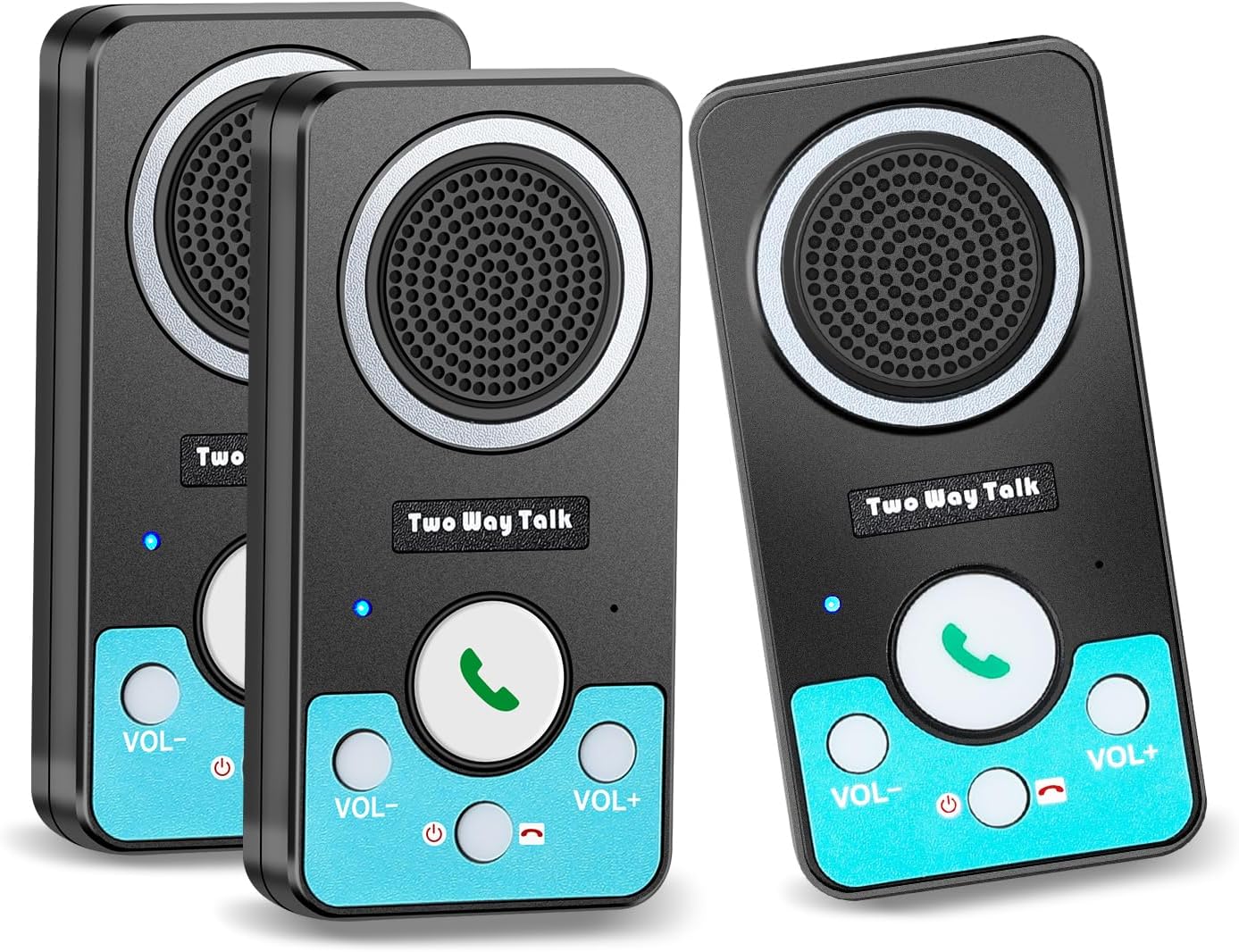
Intercoms Wireless for Home, Full Duplex 2 Way Intercom System, 1500ft Long Range Intercom with 8 Volume Levels, Rechargeable Battery & 4 Chime for Home Office & Business (3 Pack)
$80.99
Related Products




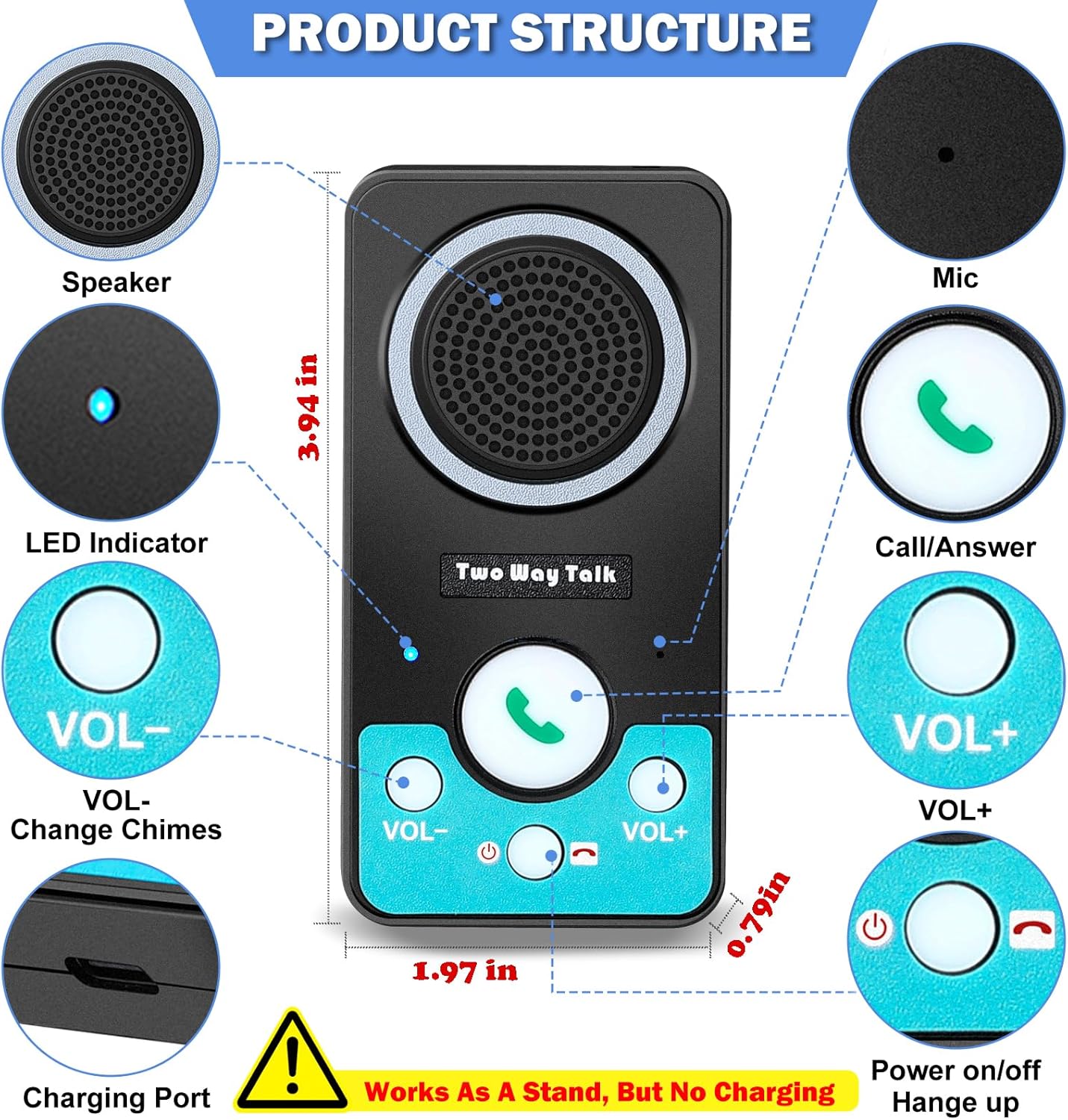

Product description

Use Steps
1.Fully charge(LED is green light) before first use.
2.Hold power until “Power On,” press green button once, wait for partner press once,hands-free call(no holding)
Low battery reminder:”Inside battery low”.Avoid nighttime alerts: Charge weekly or overnight


1 Home Intercom System 2 Intercom for Office 3 Long Range Intercom
 How to charge intercoms
 Process of Using Intercom
The video showcases the product in use.The video guides you through product setup.The video compares multiple products.The video shows the product being unpacked. home intercom system Merchant Video
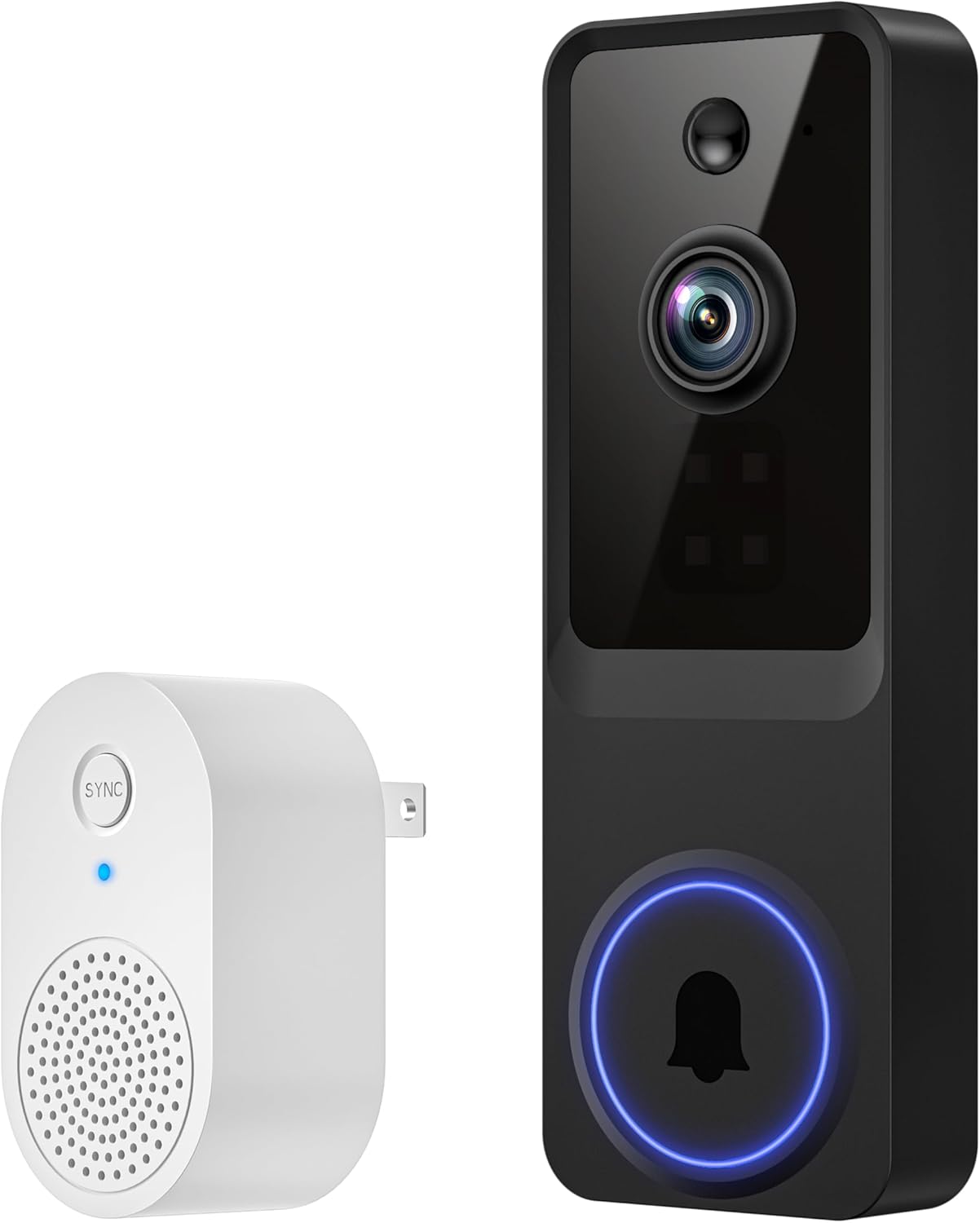
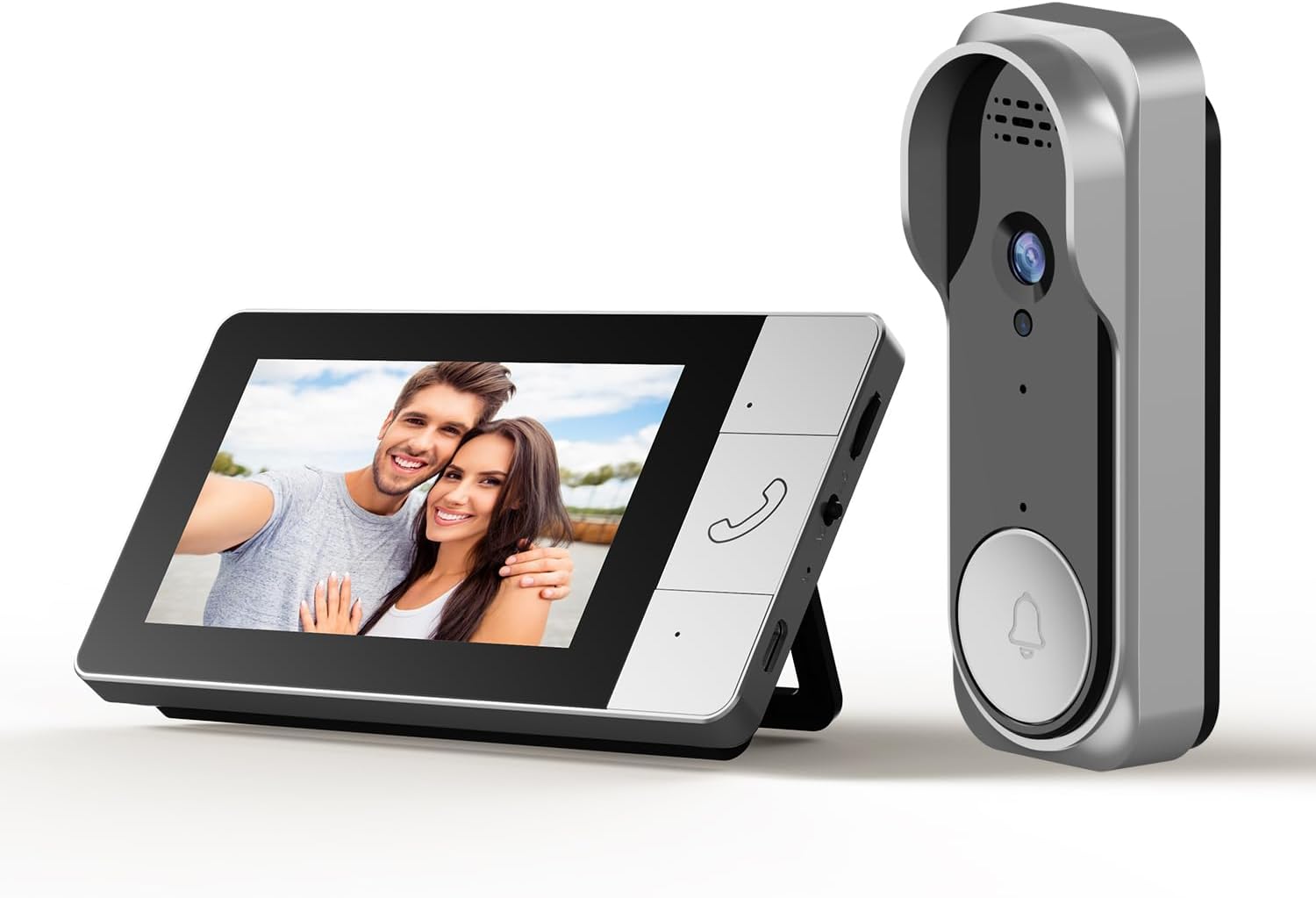
For doorbell charging, use the included cable and charging brick

Why won’t my home intercom work, even after being fully charged and showing a green light?
2 possible reasons:
1.When battery runs out completely, it will automatic shutdown: power intercoms back on. Hold the power button until you hear “Power On”
2.Intercom code is cleared: re-pair intercoms. Watch our video: “How to Pair Your Intercoms?”
Why aren’t the wireless intercoms system working after I get the package?
First, fully charge your intercoms. When the LED light turns green, hold the power button until you hear “Power On”. Then you can start using intercoms.
How do intercoms make calls?
Fully charge before first use, hold power until “Power On”, press the green button once, waiting for your partner press theirs once, then talk hands-free—No need to keep holding down the button.
Why is my intercom making loud static/screeching noises?
These intercom have sensitive mics and speakers. Keep them at least 8 ft apart – closer distances can cause that high-pitched squeal.
For clearer conversations:
Use volume level 3-4, or try spacing them farther apart if needed.
Why do I hear a strange woman’s voice when my intercoms are on standby?
It’s the low battery alert saying: “Inside battery low.”
It says this twice, then repeats every hour until the battery runs out.
( To avoid nighttime alerts: 1.Charge weekly; 2.Or leave charging overnight)
One-Button Connection: Press the call button on any wireless intercom system to reach another room—or press again to answer hands-free. With multiple units, calling one rings all others; the rest stop once someone answers or ends the call. That’s how a home intercom system keeps your household connected without the chaos.
Your Intercom, Your Way: Choose from 4 gentle chime tones to match your home’s mood. With 8 volume levels, this room to room intercom can be soft during naps or loud enough to call the kids in for dinner. A wireless intercom that quietly fits into your daily rhythm.
Ready When You Need It: A full charge powers this intercom for home for 10–12 days—thanks to its built-in rechargeable battery. Red LED while charging, green when ready. When battery runs low, this intercom repeats ‘Inside Battery Low’ until it powers off. Just recharge fully and turn it back on. Simple, dependable, and always there.
UHAXZ Intercom: This intercom system for house can expand—add more units for larger spaces. Use it to check on little ones playing outdoors in the yard, stay connected with elderly parents in another room, or coordinate outdoor plans without raising your voice. A wireless room to room intercom that fits wherever your family gathers.
Long-Range Comfort: With 1500ft range, this wireless intercom system for home keeps you connected across house, yard, or workshop. No more running room to room—just one tap on your intercom and you’re checking in. Peace of mind, right at your fingertips.
User Reviews
Be the first to review “Intercoms Wireless for Home, Full Duplex 2 Way Intercom System, 1500ft Long Range Intercom with 8 Volume Levels, Rechargeable Battery & 4 Chime for Home Office & Business (3 Pack)”
$80.99
There are no reviews yet.