

Fingerprint Door Lock, Door Locks for Bedroom, Keyless Entry Door Knob with Handle,Generate Passcode App Remotely-Smart Door Lock for Apartment, Office-Black
Original price was: $299.99.$36.99Current price is: $36.99.
Related Products





Product description


Why the door lock can Opens with Any Fingerprint ???
The fingerprint door knob is initially set to unlock with any fingerprint. It needs to set up the Administrator. If no user information is entered, any fingerprint, card, or password “12345” can be unlocked
About the USB Port, Not a Charger!!!
This Type-C port is only for emergency use, like when the battery’s completely dead can connect a power bank to power it open the door. Don’t use it for regular charging , it could damage the inside of the lock or fry the motherboard.
How do I make the factory reset ?
Long press and hold the reset button for10 seconds when the light turns green a have a longtime beep sound it will suceessfully.
What Type of Battery beuse for this Evanshow fingerprint Door Knob?
Please use four AAA alkaline batteries NOT rechargeable batteries , please do not charge the batteries via the Type-C
How is the third-party ecosystem support for our lcok ?
It needs use with the gateway(needs to buy sparetely) then it supports Alexa and Google Voice Assistant forvoice lock/unlock commands, as well as remoteoperation via the mobile app.
Fingerprint Door Lock
UPGRADE 0.5S SMART FINGERPRINT RECOGNITION: Biometric door lock features advanced fingerprint technology for secure keyless entry; the fingerprint scanner is fast and accurate; the AIMNAPS door knob can scan and recognise your fingerprint in less than a second
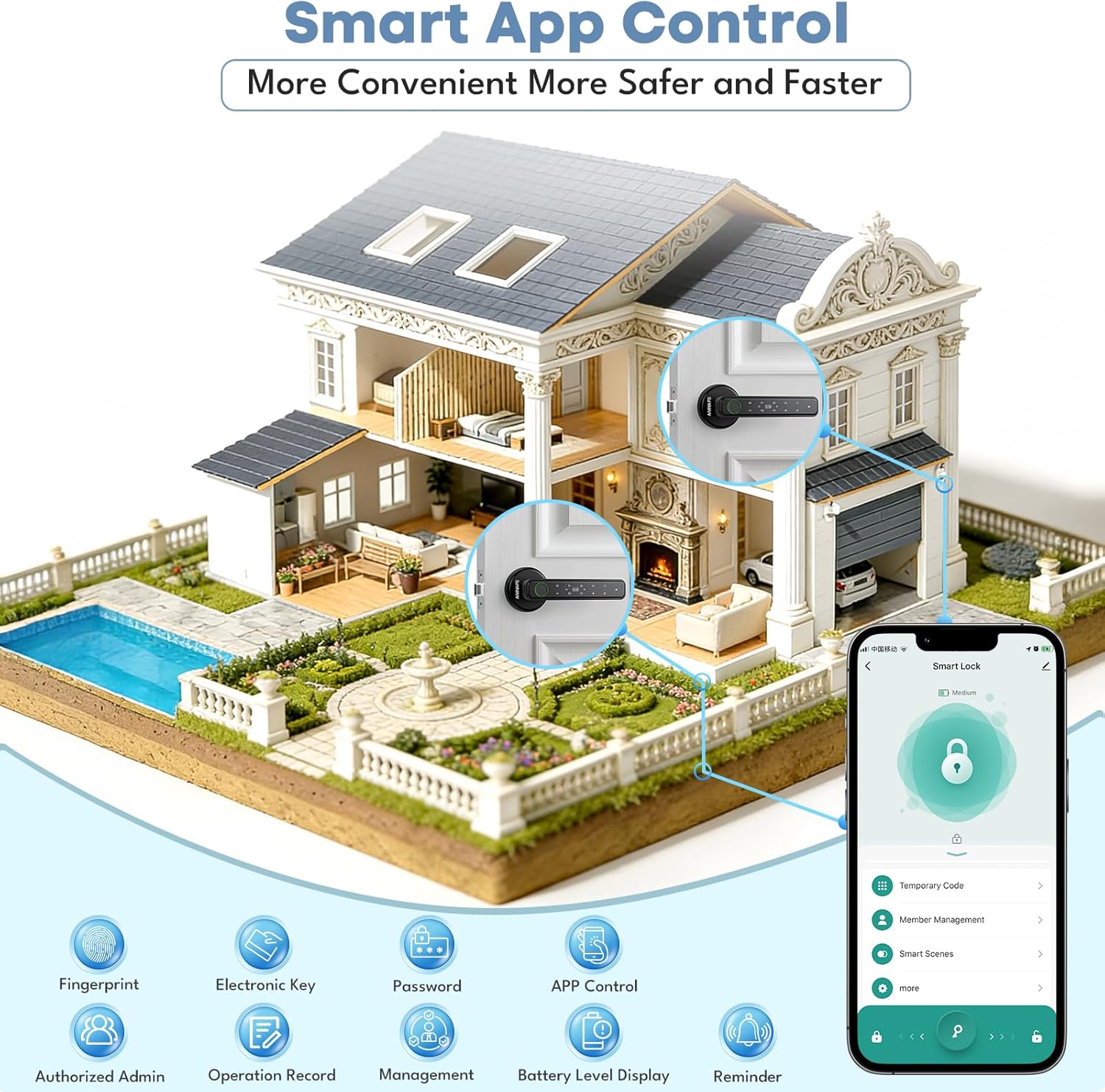
REMOTE PASSCODE GENERATION: Manage your door lock remotely with Tuya app, you can generate and share temporary passcodes remotely, perfect for guests or service providers at your apartment or office
EASY INSTALLATION: AIMNAPS door knob is designed for quick and straightforward installation, our Fingerprint Door Lock fits standard door sizes(between 1.18″ and 1.97″ thick) and no drilling or wiring is required!
PLEASE NOTE: Before First Use–Register Your Admin Fingerprint! You MUST set up an Administrator fingerprint immediately after unboxing. Until this is done, the lock accepts ANY fingerprint to open your door, even a stranger’s
About the USB Port:🔋 Emergency Power Only: Use the USB port to connect an external power bank if the batteries die (lets you unlock the door in a pinch).
About the USB Port:🚫 Not a Charger: This port CANNOT recharge the lock’s internal batteries. It’s strictly for temporary emergency access.
User Reviews
Be the first to review “Fingerprint Door Lock, Door Locks for Bedroom, Keyless Entry Door Knob with Handle,Generate Passcode App Remotely-Smart Door Lock for Apartment, Office-Black”
Original price was: $299.99.$36.99Current price is: $36.99.
There are no reviews yet.